Official minimum requirements
| Part | Official list on Steam |
|---|---|
| Operating system | Windows 10 and up (the list still says 2000/XP/Vista/7/8, but Steam has only supported 10+ since 2024) |
| Processor | Pentium 3 600 MHz or better |
| Memory | 512 MB RAM |
| Graphics card | 3D acceleration |
| Network | Broadband internet |
| Storage | 2 GB free space |
There's no official "recommended" list; Steam has only the minimum.
Why this list says nothing
Knight Online came out in 2002 and its engine has used the same core ever since. The official list was written for that day too: Pentium 3, 512 MB RAM. No computer sold today is below that threshold; so the answer to "can my computer run it" is always yes.
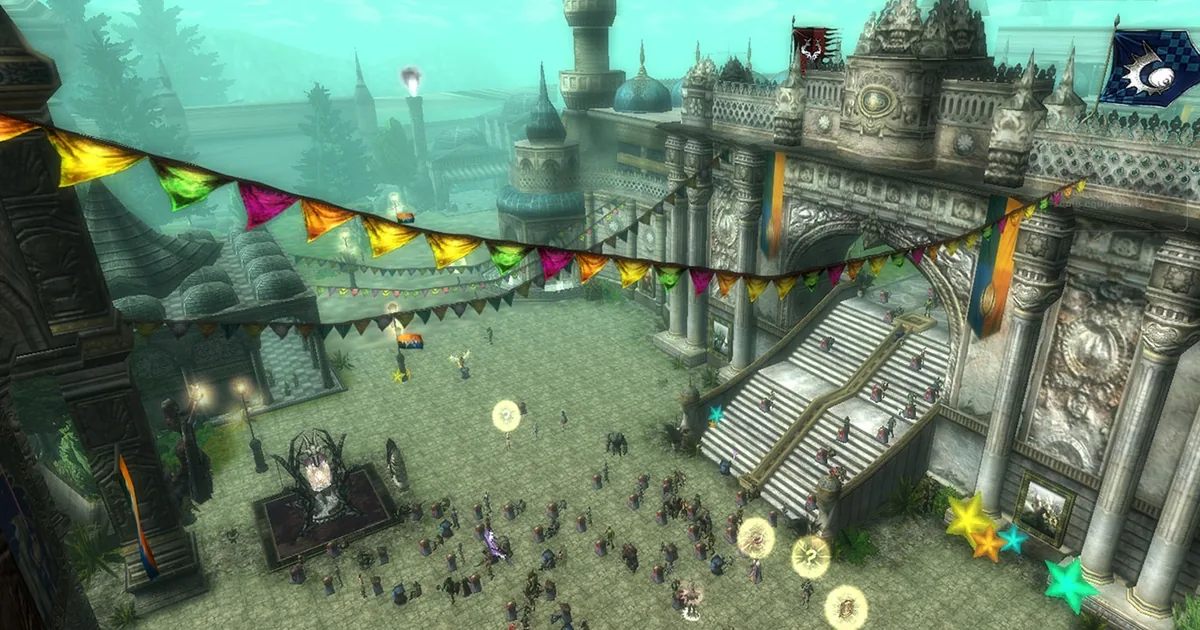
The real question is different: does the game stutter in crowded places? In the Moradon market area, in war events and in moments when a mage group is raining spells, the same computer can drop well below the FPS it gives in an empty zone. What decides that is no line in the official list.
The operating system line of the official list is outdated too: it still says Windows 2000 and XP, but the Steam client has only supported Windows 10 and up since 1 January 2024. If you'll play through Steam, the real floor is Windows 10.
What does it really push today?
Processor: single-core speed, not core count
The thing repeated most on player forums and always put first when hardware advice is given: the game runs on a single core. The extra cores of an eight- or sixteen-core processor add nothing to the game.
So when comparing, the number to look at isn't the core count but the single-core clock speed and that core's processing power. A many-core processor with a low clock can give a worse result than a few-core one with a high clock.
This is also the most common explanation for the "my expensive computer stutters in KO" complaint: the system was built for other games, and single-core speed took a back seat.
Graphics card: shows in crowds, not in the open
While killing monsters almost every graphics card gives high FPS. The difference shows in Moradon and in war: with dozens of characters, effects and spells on screen at once, FPS drops hard.
That has a direct effect on the game. Because some actions run tied to the frame rate, at low FPS you can do fewer moves in the same time; on classes that rely on fast key presses, like Assassin, that difference is felt.
So when picking a graphics card the measure shouldn't be "will it open this game" but "how many FPS does it hold in the crowded market area and in war without dropping".
Disk: after a restart, first in wins
In boss events and castle wars, whoever gets into the game first after a server restart has the advantage. Because the game's load time depends on disk speed, an SSD makes a concrete difference here.
The 2 GB free space requirement in the official list looks small too; for a client that grows with updates you need to leave more room than that on the disk.
The problems that come up most on forums
- Stuttering on a laptop. On laptops with two graphics cards the game often opens on the one built into the processor, not the powerful one. The high-performance card has to be assigned to the game from the graphics driver.
- FPS swings. The jumps between very high FPS in the open and very low FPS in crowds feel like stuttering; players smooth this with FPS-capping tools or high-refresh monitors.
- Effect density. FPS dropping in war with all effects on is the most common complaint; turning down the effect settings is the first fix tried.
- "Expensive system but it stutters". Mostly down to low single-core speed or the wrong graphics card being used on a laptop.
Common mistakes when choosing a computer
- Looking at the official list and saying "more than enough". It's the list from 2002; it doesn't measure stuttering in crowds.
- Buying a processor by core count. The game uses one core; clock speed and single-core power decide.
- Trusting the FPS in the open. The measurement is taken in the Moradon market and in war.
- Not checking the graphics card assignment on a laptop. If the game opens on the wrong card, the hardware's power doesn't matter.
- Taking the recommended tables going around as official. Steam has only a minimum; the rest is sites' own guesses.
- Trying to play through Steam on Windows 7. The Steam client hasn't supported anything below Windows 10 since 2024.